Management system vs. operating system: what brokerages really need in 2026
Do I need a new system? The question is framed wrong. A broker management system stores the portfolio (system of record); an operating system moves the work forward (system of action). What each does, where the management system stops, and why brokerages need both in 2026.
By Daniel D.
Modus
Last updated: Jun 12, 2026
News & Insights"Do I need a new system now?" We hear this question from brokers more and more often. AI, platforms and operating systems are everywhere in the conversation, and it quickly creates the impression that the familiar broker management system is suddenly yesterday's news. So should you replace it and buy something new?
The short answer is: no. The question is framed wrong. It's not about broker management system or operating system. It's about both, in different roles. This article sorts out what a broker management system does, where it stops, what an operating system adds, and what a brokerage really needs in 2026.
The false either-or
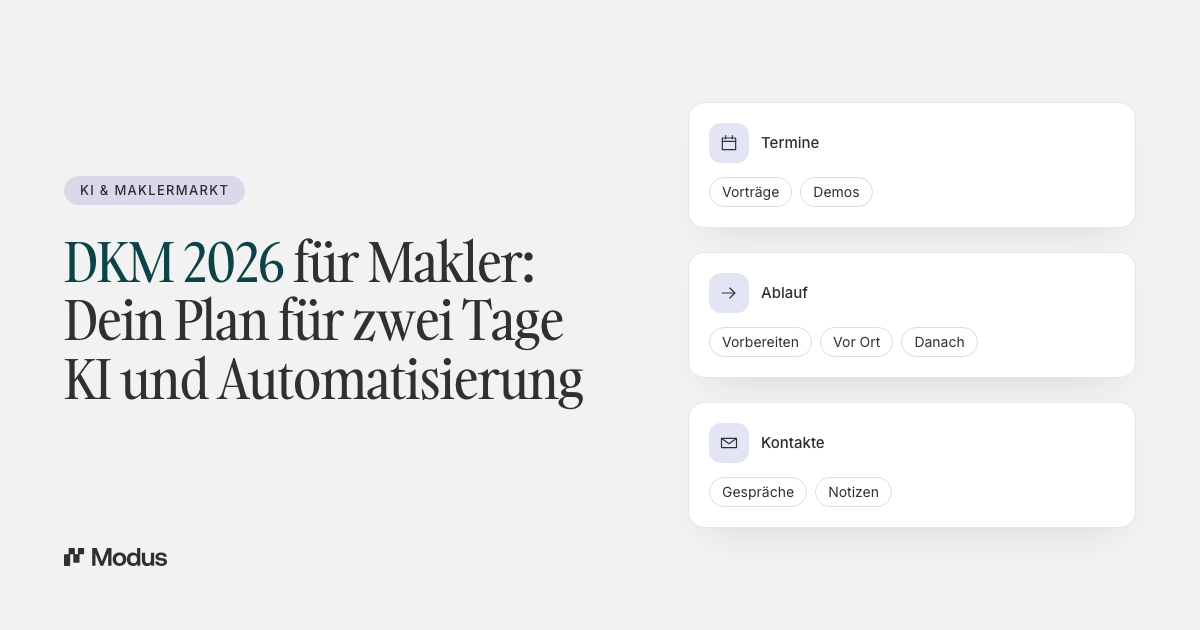
The idea that you have to choose between the system of record and a new solution is misleading. A broker management system and an operating system solve different tasks. One holds data reliably. The other moves work forward. Playing one off against the other is like comparing a filing cabinet with a caseworker.
The market amplifies the confusion, because every piece of software currently claims the grandest word for itself. Order is restored to the terms by looking at what the two systems actually do.
What a broker management system is and does well
A broker management system, or BMS, is the backbone of portfolio administration. It's the central store for clients, policies, documents and commissions. In technical terms it's a system of record: the reliable source of truth about your portfolio.
Good broker management systems do a lot here. They manage policies and clients, they run the document filing, they settle commissions, and they connect the insurers via interfaces. Industry tests rate them on exactly that: on policy and client administration, document management, BiPRO interfaces and commission accounting. Systems like AMS, blau direkt, keasy, Professional Works or SmartInsurTech are established here and indispensable for many offices.
On top comes the connection to the insurers. Via the GDV data record and the BiPRO standards, portfolio, claims and policy data flow into the system in standardised form. A well-maintained broker management system is thus far more than a database. It's the ordered foundation, without which no digital process in the brokerage works reliably.
In short: the BMS is built to store data reliably and keep it retrievable. That's exactly what it does well, and exactly what you shouldn't do without.
Broker management system and CRM, briefly placed
The term CRM often comes up in the same breath, and the two get confused. A CRM manages client relationships and the sales process: contacts, conversations, sales opportunities. A broker management system manages the portfolio: policies, documents, accounting.
In the brokerage the two overlap at individual points but serve different tasks. Some offices use both side by side. That's not wrong, but it already points to the real issue: with every system, the number of places a person carries data back and forth between grows.
Where the broker management system stops
As reliably as a BMS stores, its limit is just as clear: by its nature it's passive. It records what was. It doesn't move a case forward on its own.
This shows in daily reality. A survey of over 1,000 brokers by procontra found that a large majority use the broker management system mainly to retrieve client documents and policies. In practice, then, it's often a very good archive. But an archive doesn't get work done.
How large this gap is, is shown by figures from knowledge work in general. According to a European survey, employees spend around 15 hours a week on five recurring administrative tasks: managing documents, working through manual processes, obtaining approvals, searching for information and sorting the inbox. That's measured across industries, but every one of these tasks is familiar to the brokerage too. And none of them is taken off your plate by a classic broker management system.
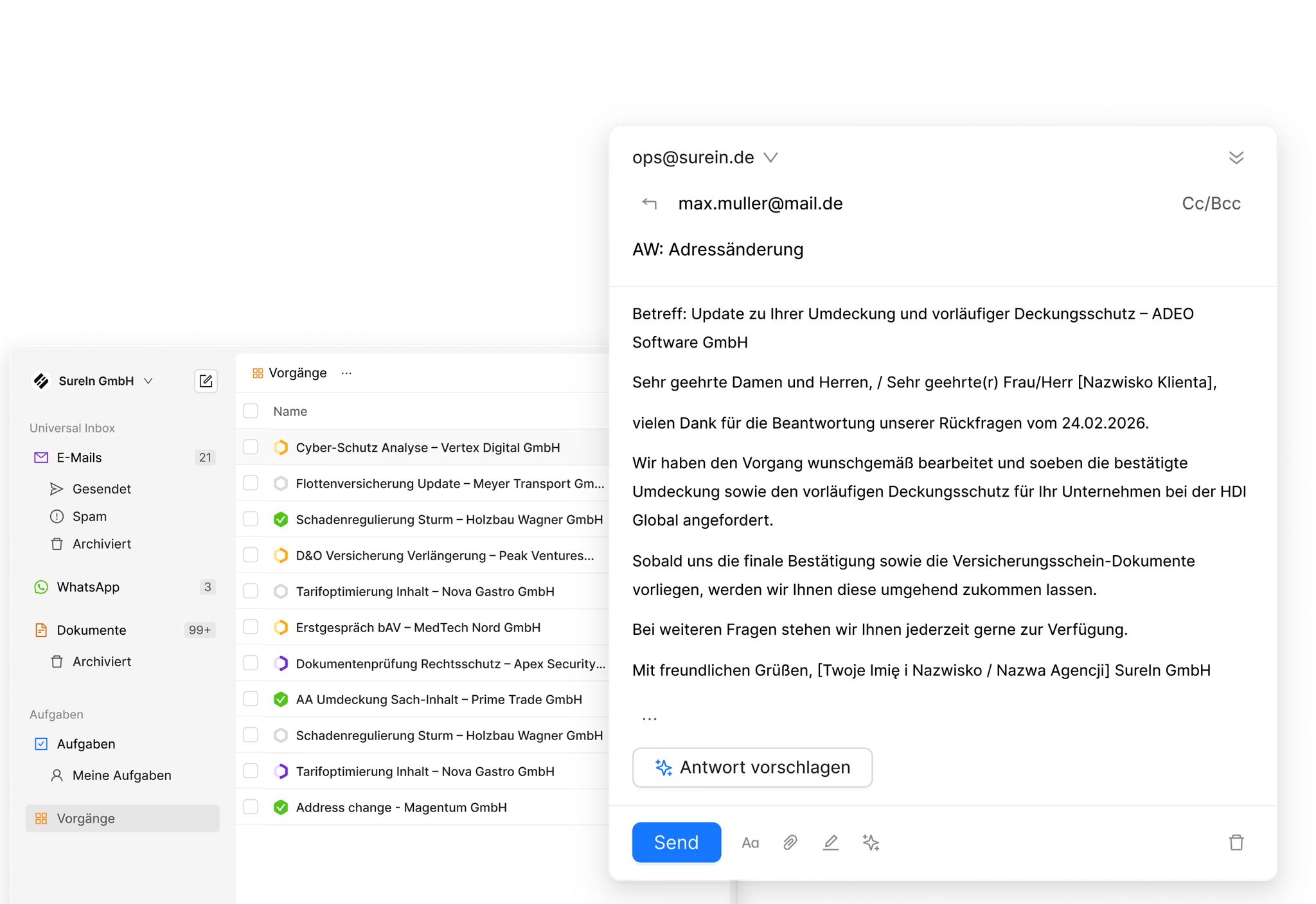
Think of a typical case. A claim comes in by email. The broker management system can document the claim cleanly, as soon as someone enters it there. But it doesn't open the email, doesn't recognise on its own that it's a claim, doesn't assign it to a caseworker and doesn't prepare a reply. These steps, from the incoming message to the finished case, are still done today by a human. That's exactly where the real effort in the brokerage sits, and exactly where the BMS doesn't start.
What an operating system adds
Here the second layer comes into play. An operating system is a system of action. It takes in incoming communication from all channels, recognises the process type, creates a structured case with ownership and priority, and prepares the next steps. The human reviews and signs off.
What such an operating system consists of in detail, we've described in a dedicated article: "What an 'operating system' for insurance brokers actually is". For this comparison the core is enough. The BMS stores the data, the operating system moves the work. That this direction is no niche idea is shown by a look at the technology industry as a whole. Andreessen Horowitz describes for 2026 how pure data storage is losing importance and passive databases are becoming active workflow systems that translate intent into execution.
Concretely, that means: the same claim that waits for manual capture in a pure broker management system is already a finished case in an operating system, assigned to the policy, with cover checked and a reply prepared. Intake becomes execution, not filing.
Why more tools don't solve the problem
Supplementing the broker management system with further specialised tools often just adds jumps. A typical brokerage today works with five to seven systems in parallel: the broker management system, Outlook, WhatsApp Web, the BiPRO portal, a comparison calculator, a CRM and a claims tool. Each does its job. But between them a human carries data, context and status back and forth.
Every jump costs seconds, every transfer creates a new source of error, and in the end the information is in several places but complete in none. More tools don't solve the operational work. They just shift the bottleneck from the inbox to the switching between inboxes.
An operating system is exactly the answer to this. It doesn't replace these tools, but it bundles them in one place. Incoming communication, case status and portfolio data come together in one interface. Seven tabs become one inbox. Anyone jumping between systems today gains back more time through an overarching layer than through any additional tool.
Broker management system and operating system compared
The difference becomes clearest in the direct comparison.
The table makes clear that there's no competition. The two systems don't stand against each other, they stand on each other. One delivers the data, the other makes something of it.
| Attribute | Broker management system (BMS) | Operating system |
|---|---|---|
| Role | System of record | System of action |
| Primary job | store and retrieve data | generate and execute work |
| Behavior | passive, records | active, drives forward |
| Incoming email | captured manually | turned into a case automatically |
| Ownership and priority | assigned manually | assigned automatically |
| Strength | reliable portfolio management | end-to-end case handling |
| Relationship | the foundation | the layer above |
Why it's a layer, not a replacement
The most important clarification is this: an operating system does not replace your broker management system. On the contrary, it depends on it. A system that structures and executes cases is only as good as the data it accesses. That data sits in the BMS.
The connection runs via interfaces that have long existed. The Brancheninitiative Prozessoptimierung (BiPRO) has set standards for this. Via the BiPRO 430 standard, for example, insurers' documents and data reach the broker management system in structured form. An operating system reads this layer rather than replacing it, and builds case processing on top.
This creates a clean division of roles. The broker management system stays the source of truth about the portfolio. Outlook stays the email client. The operating system sits over them and turns intake into execution. It takes nothing away from the BMS. It makes its data usable. That's also the reason why an AI feature is something different from an AI infrastructure: a feature sits isolated alongside, an infrastructure connects.
The practical advantage: less risk than a system switch
Switching a broker management system is a major project. The data migration is laborious, the team has to relearn, and during the transition two systems run in parallel. Anyone who has switched a BMS once knows how much energy that ties up.
That's exactly why a layer on top is the more pragmatic path. You don't replace your proven system of record, you supplement it. The data stays where it is, the staff keep their familiar filing, and the added value comes on top. That lowers the risk considerably. Instead of a hard cut, a layer is added that immediately takes work off your plate without touching the foundation.
This also shifts the staff's role gently rather than with a break. Executing routine becomes reviewing and approving prepared cases. The existing team stays; it just works at a higher level.
What brokerages really need in 2026
The honest answer to the opening question is therefore: you need both, in the right roles. A reliable broker management system as the data foundation, and an operational layer on top that turns that foundation into work.
A change of perspective helps with the assessment. The usual question is: what does the software cost per month? The better question is: what does the work that happens by hand today cost? If a substantial part of the day goes into sorting, assigning and transferring, the licence costs of a piece of software are the smaller item. The larger item is the time that doesn't flow into advice and sales.
This is exactly where the economic lever emerges. Not in switching the system of record, but in the layer that makes more cases per head possible. Why more revenue per employee, and not more staff, is the decisive metric hangs directly on this. And why structure has to come before automation is described in the article on why automation without structure is dangerous in insurance.
Four questions help with the choice:
- Does the system only store data, or does it move cases forward?
- Does it integrate with the existing broker management system and with Outlook, or does it add another island?
- Does it use your own portfolio data as context?
- Does it reduce real work or just typing?
Anyone who answers these questions honestly quickly sees whether a piece of software strengthens the foundation or just grows the pile.
Frequently asked questions
What is a broker management system?
A broker management system (BMS) is the central software insurance brokers use to administer their portfolio. It stores clients, policies and documents, settles commissions and connects the insurers via interfaces. It's the system of record of the brokerage, the reliable data foundation that all other processes access.
What is the difference between a broker management system and an operating system?
A broker management system stores data and keeps it retrievable, but stays passive. An operating system takes in incoming cases, structures them and drives them forward to a prepared reply. One is a system of record, the other a system of action. They complement each other; the operating system sits above the broker management system.
Do I have to replace my broker management system if I use an operating system?
No. An operating system depends on the data in the broker management system and builds on it. It reads along via interfaces like BiPRO and structures the cases. The broker management system stays the source of truth about the portfolio. Both layers complement each other rather than replacing one another.
What does a broker management system cost?
Prices vary widely; many systems are in the order of 50 to 100 euros per month per workstation, and some are co-financed through pools or networks. More important than the licence price, though, is the question of total cost: integration, training and above all the time that still flows into manual work despite the software make up the larger share.
Which broker management system is the best?
That depends on the size, lines of business and working style of your office. Industry tests rate systems on integration, feature scope and usability, and several providers regularly score well. More decisive than the ranking is whether the system works cleanly with the operational layer that actually turns the data into work.
Is a broker management system enough for a modern brokerage?
As a data foundation yes, for operational handling not on its own. The broker management system stores reliably but moves no cases. Anyone still sorting and assigning incoming communication by hand leaves the biggest efficiency lever unused. Only an operational layer on top closes this gap.
How involved is switching a broker management system?
A switch is a major project. Data migration is considered the biggest hurdle, the team has to be trained, and during the transition two systems usually run in parallel. That's why, before a switch, it's worth asking whether a supplementary layer over the existing system might deliver the desired effect with considerably less risk.
What is BiPRO and why does it matter?
BiPRO stands for Brancheninitiative Prozessoptimierung, an association that sets digital standards for data exchange between insurers, pools and brokers. Via standards like BiPRO 430, insurers' documents reach the broker management system directly. For software selection, BiPRO is therefore a central criterion: the better the interfaces, the less manual transfer.
Conclusion
The decision for 2026 is not a choice between old and new system. The broker management system stays the foundation that holds the portfolio reliably. What most offices additionally need is the layer on top that turns stored data into structured, executed work.
Anyone who separates the two roles cleanly stops weighing one against the other and starts letting them work together. The broker management system holds the portfolio. The operating system moves the work.
Scale revenue. Not headcount.
Don't miss any developments in AI for insurance brokers. Sign up for updates now.